
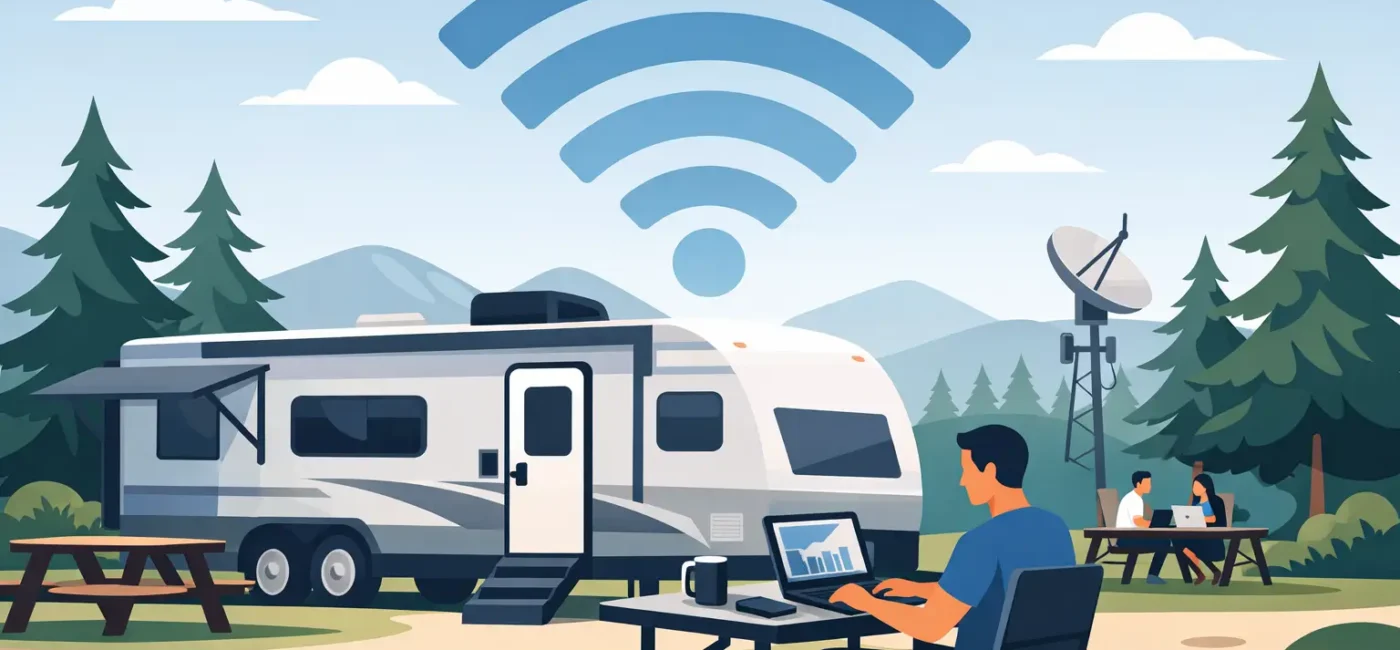
That 9 a.m. video call feels very different when you’re parked under shade trees instead of fluorescent office lights. But if your connection drops the second everyone turns on their laptops, the view stops mattering fast. For anyone depending on rv park wifi for remote work, the real question is not whether WiFi exists. It is whether it can support the way you actually work.
Remote workers traveling by RV usually need more than casual internet access. Checking email is one thing. Taking Zoom calls, uploading project files, logging into secure company systems, and staying online for a full workday is another. That is why choosing the right RV park matters as much as choosing the right route.
What remote work really needs from RV park WiFi
A lot of parks advertise free WiFi, and that can be helpful for basic browsing. But remote work puts different pressure on a network. Speed matters, of course, but consistency often matters more. A connection that looks fine at 6 a.m. can feel unusable by evening if the entire park is sharing limited bandwidth.
For most working guests, dependable rv park wifi for remote work comes down to a few practical factors. Upload speed affects video meetings and cloud backups. Network stability affects whether your call freezes halfway through a client update. Latency affects how responsive work platforms feel, especially if you use remote desktops or web-based software all day.
There is also the issue of volume. One person streaming music while answering email is not asking much from a network. A couple working from separate rigs, both in meetings, while the kids stream shows in the background is a very different load. That is where park infrastructure starts to show its quality.
Why “free WiFi” does not always mean work-ready
This is where expectations and reality can drift apart. Some RV park WiFi networks are designed mainly as a convenience amenity. They are there so guests can browse, check directions, or watch a little TV at night. That setup may be perfectly fine for a weekend stop, but it may not be enough for a guest who needs reliable connectivity from Monday through Friday.
Distance from access points can weaken signal strength. Trees, metal RV walls, and park layout can all interfere. A full park can create congestion, especially during evenings when everyone is online. Even weather and equipment age can affect performance.
That does not mean park WiFi is bad by default. It means remote workers should look past the simple presence of WiFi and ask how the park supports actual day-to-day use. A well-managed property with strong infrastructure, good site planning, and responsive onsite management will usually give you a better experience than a park that treats internet as an afterthought.
How to judge rv park wifi for remote work before you book
If you work on the road, a little upfront research can save a lot of frustration later. Start by asking direct questions. Is the WiFi strong throughout the park or only in common areas? Do long-term guests regularly use it for work? Are there certain site locations with stronger service than others? If staff knows the property well, they can often point you toward the better spots.
It also helps to think honestly about your job. If your work depends on constant video meetings, large uploads, or secure cloud platforms, your standards should be higher than someone who mainly sends emails and updates spreadsheets. Not every traveler needs the same internet setup, and that is okay.
Reviews can be useful too, but read them with context. A complaint from three years ago may not reflect the current system. A glowing review from a vacationing couple may not tell you much about weekday work performance. The most helpful comments usually come from extended-stay guests and working travelers because they use the network in a more demanding way.
The best setup is often layered, not all-or-nothing
Even in a well-equipped park, many remote workers do best with a backup plan. That is not a sign of failure. It is simply smart planning. Park WiFi can be your main connection, while a mobile hotspot serves as insurance for critical meetings or deadlines.
This matters even more if your work has little room for interruption. If you are on a temporary assignment, handling customer calls, or logging into systems that require steady uptime, redundancy gives you breathing room. A good RV park helps by offering dependable onsite WiFi, but experienced travelers know that internet confidence often comes from having options.
The goal is not perfection every second of every day. The goal is a stay where work feels manageable, predictable, and low-stress. That is a big difference.
What else supports productivity beyond the WiFi itself
A productive remote-work stay is never just about signal strength. The environment around you matters too. Quiet surroundings help during meetings. Spacious sites make it easier to settle in without feeling cramped. Clean showers and laundry facilities reduce the friction of extended living. Full hookups keep your day simple instead of forcing you to troubleshoot basic utilities.
Security matters as well, especially for guests staying longer or working with valuable equipment. Gated access and onsite management create peace of mind, and that peace of mind affects how well you work. It is easier to focus when your stay feels organized, safe, and well cared for.
That is one reason many working travelers prefer a park that feels more like a temporary home than a roadside stop. If you are balancing deadlines, travel, and everyday life, convenience counts. Being close to the city, stores, and major routes helps. So does having a comfortable place to reset after work.
When RV park WiFi is enough and when it may not be
For many guests, park WiFi is absolutely enough. If your workday is centered on email, browser-based tools, messaging platforms, and occasional calls, a solid park network may cover what you need just fine. That is especially true if the property invests in guest comfort and takes infrastructure seriously.
But there are situations where it may not be your only answer. If you regularly transfer large media files, host webinars, work in IT, or need uninterrupted high-bandwidth performance all day, you may want to pair park WiFi with your own hotspot or business-grade mobile setup. It depends on your workload, your schedule, and how costly even short outages would be.
That trade-off is worth understanding before arrival. A family on vacation can adapt more easily than a professional with back-to-back meetings. Knowing where you fall on that spectrum helps you choose the right park and the right backup plan.
Choosing a park that makes remote work easier
The strongest parks for working travelers tend to get the basics right across the board. They offer reliable amenities, maintain clean facilities, keep the property secure, and make check-in and setup easy. They understand that guests are not only passing through. Some are living, working, and building routines there for weeks or months at a time.
That is where the overall guest experience starts to matter. A peaceful setting helps you concentrate. Friendly staff helps solve problems quickly. A well-kept property signals that management pays attention, and attention usually shows up in the details that affect daily life.
At a park like Big Tree RV Park in Tulsa, that combination matters. Guests looking for more than a quick overnight stop often want a place where they can stay connected, feel secure, and settle into a comfortable rhythm. When remote work is part of the plan, those practical details become major advantages.
A better workday on the road starts with the right expectations
RV travel and remote work can fit together surprisingly well, but only if you plan around the way you actually live and work. Look for a park where WiFi is treated as a real guest need, not just a box to check. Ask questions, think about your workload, and give yourself a backup if your job demands one.
When the park is clean, quiet, secure, and thoughtfully equipped, work feels less like a compromise and more like a lifestyle that genuinely works. And that makes it a whole lot easier to close the laptop at the end of the day, step outside, and enjoy where you parked.